Plate 04 Guide
The fractal flame algorithm: how glowing flames are made
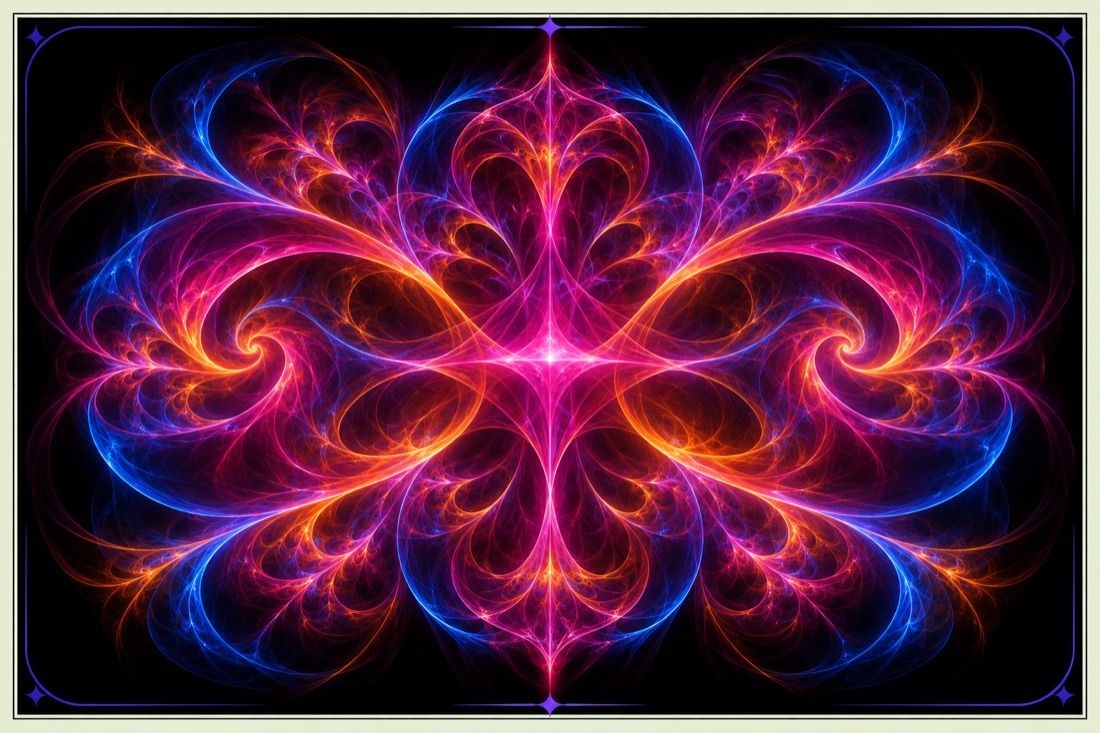
Fractal flames look like smoke, silk or plasma. They come from a method that starts with the same kind of rule as the Barnsley fern and adds curves and careful brightness handling.
From a fern to a flame
Fractal flames belong to the family of iterated function systems. They were developed by Scott Draves in the early 1990s, and the method is documented in a paper by Draves and Erik Reckase called The Fractal Flame Algorithm, available on flam3.com. The scroll section on the home page builds a Barnsley fern with the plain version of the idea, called the chaos game.
The chaos game in four steps
- Start from a random point.
- Pick one of several transforms at random, each with its own weight, so some are chosen more often.
- Move the point with that transform.
- Plot the new point and repeat, millions of times.
In the plain version the transforms are straight, affine maps made of scaling, rotation, shear and shift. The plotted points slowly draw the shape that the transforms agree on, the attractor.
Variations bend the plane
Flames add a second stage. After the affine step, each transform applies one or more variation functions, curved formulas with names such as sinusoidal, spherical, swirl and horseshoe. A variation can fold, bubble or spin the plane. Mixing a few variations with different weights is what gives flames their silky, organic look. The transforms and their variations are the genome of a flame, and a flame file is mostly a list of them.
Why flames glow
Instead of painting a pixel white once a point lands on it, flame renderers count how many points land on each pixel in a histogram. They then map the counts to brightness with a logarithm. A logarithm lifts the faint areas that few points visit and tames the crowded areas, so thin filaments glow softly next to dense cores. This log density display is the main reason flames look different from plain point plots.
Colour, gamma and the final transform
Each transform also carries a colour value. The colour of a point is blended as it moves from transform to transform, so the picture is coloured by its structure. Renderers then apply gamma and a vibrancy setting. An optional final transform bends the whole picture once at the end, which is handy for turning a flame into a circle or a mirrored pattern.
Programs that render flames
The reference implementation is flam3, a command line program. Apophysis was a popular free editor for Windows, and JWildfire, Chaotica and Fractorium are later tools for editing and rendering flames. Scott Draves also created Electric Sheep, a screensaver in which flames evolve. The software guide compares the options. For the most famous escape time fractal, which works very differently, read the Mandelbrot set explained.