Plate 06 Guide
How to make fractal art: a step by step beginner guide
You do not need to understand the maths to make a good fractal picture. You need a program, patience for exploring and a few decisions about colour and size.
Pick a tool and a family
Start with one kind of fractal. For a first picture an escape time explorer such as those in the software guide is the easiest: the controls are simple and the results are immediate. Flame editors take longer to learn but reward experimenting.
Find a view worth rendering
Explore before you render. Zoom into the edge of the set, follow filaments and look for a composition with a clear centre of interest and some calm space. Save the location often. The coordinates and settings are your project file and let you return to it later.
Set iterations and bailout
The iteration limit is the number of steps the program tries before it gives up on a point. Deep views need a higher limit to show detail, but higher limits slow the render. If filaments look cut off or blobby, raise it. The bailout is the distance at which a point counts as escaped. Smooth colouring usually wants a larger bailout than the minimum of 2 mentioned in the Mandelbrot guide.
Choose colour on purpose
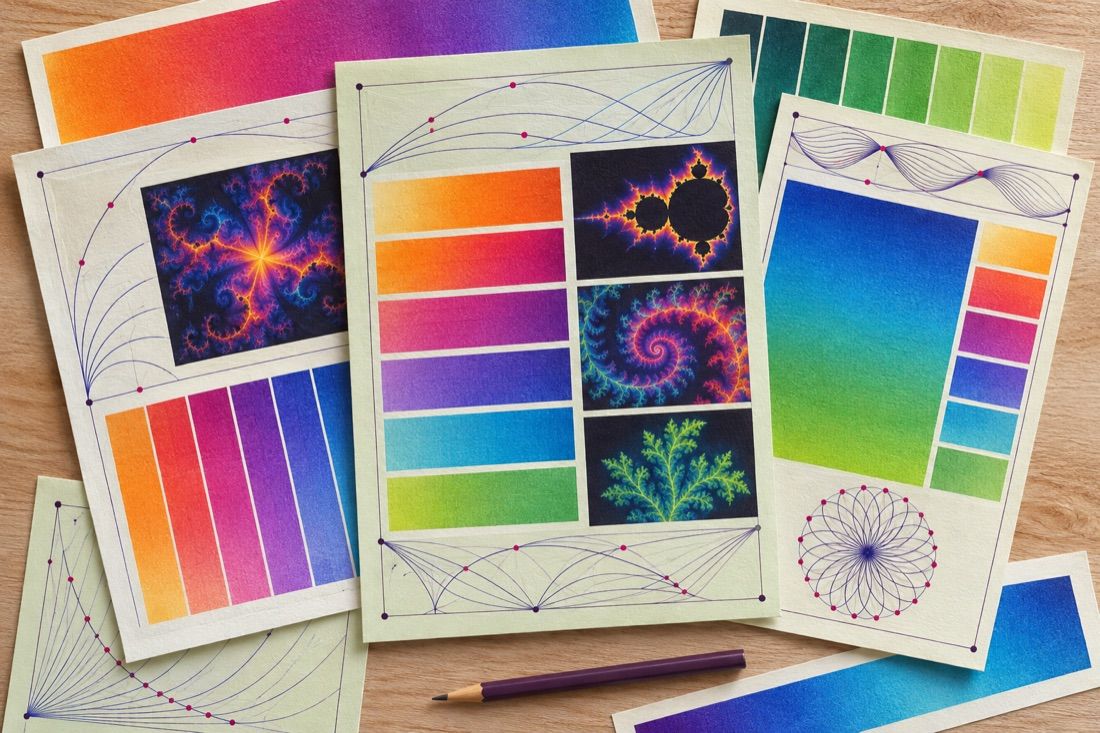
Colour is the main artistic lever. Pick a gradient with a few related hues rather than a rainbow, check that dark and light areas have contrast, and use smooth colouring to avoid bands. Try cycling or shifting the gradient: a small shift can change the mood of a whole picture.
Render large and export
Render at the size you need or larger, not at screen size. A 24 by 36 inch print at 300 pixels per inch needs 7200 by 10800 pixels, though many large prints look fine at lower resolution because they are viewed from further away. Turn on supersampling or antialiasing, and export a lossless format such as PNG or TIFF. Avoid JPEG for the master file.
Finish in an image editor
Open the export in an editor such as Photoshop or GIMP. Adjust levels and curves, crop, sharpen lightly and check gradients for banding at full size. Keep the unedited export and the parameter file together with the finished file.
Fractal art by hand, Photoshop and Illustrator
You can draw a Sierpinski triangle or a Koch snowflake with a pencil and a ruler, and the Fractal Foundation publishes simple hand activities. In Photoshop or Illustrator, repeating a copy that is scaled and rotated each time, for example with Transform Again in Illustrator, builds self similar patterns, but these are only a few levels deep and are not computed fractals. Editors are best used for finishing, which is also the idea behind combining fractals with photographs.